Welcome
liqkit_ui is the iOS 26 Liquid Glass design system for Flutter. Every
visible widget — surface, motion, typography, color — is hand-ported
from Apple's iOS 26 specs and rendered through a single
LiqGlassSurface primitive.
Try the live app
The full reference app — every component, every variant, real navigation, real glass — ships as Flutter Liquid Glass Kit:
Download on the App Store → · Get the Android APK → · Source on GitHub →
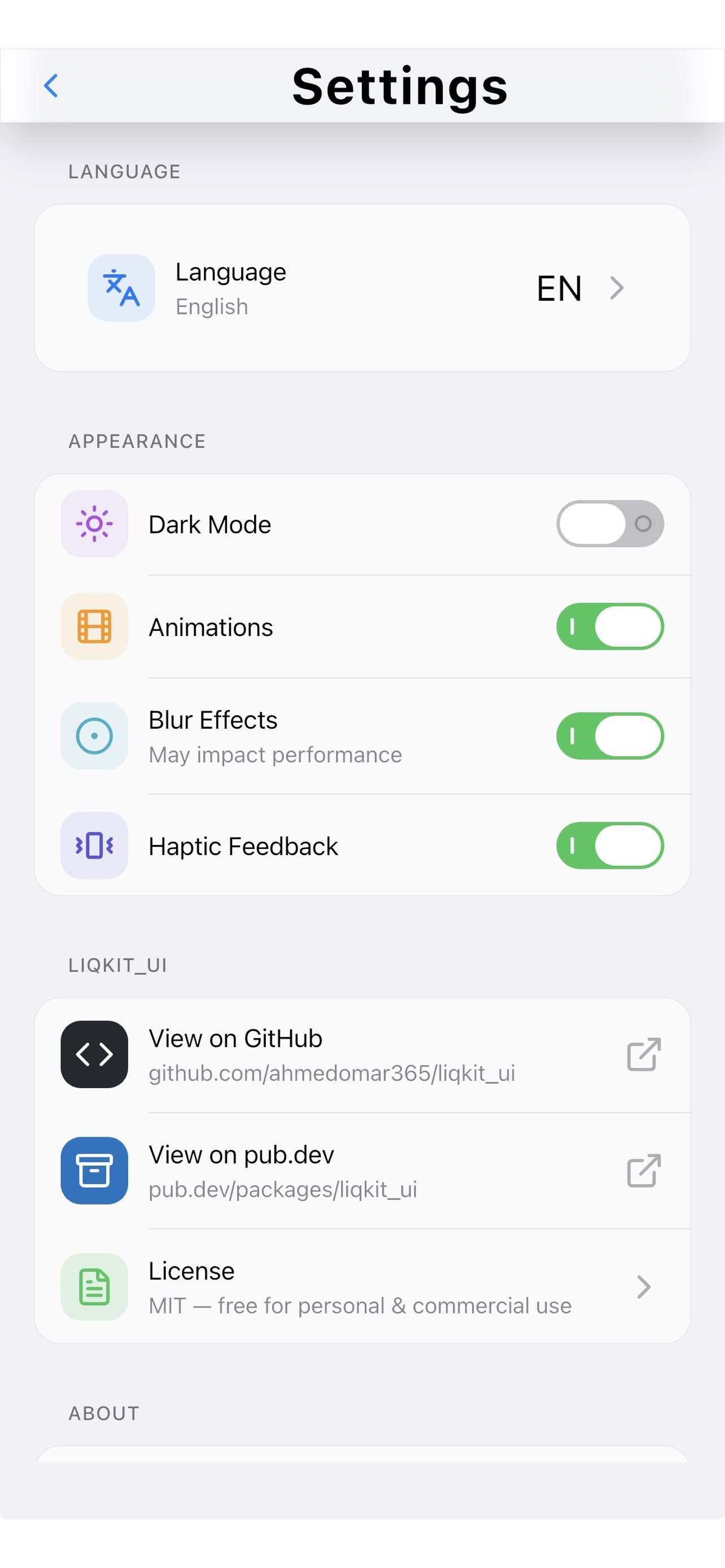
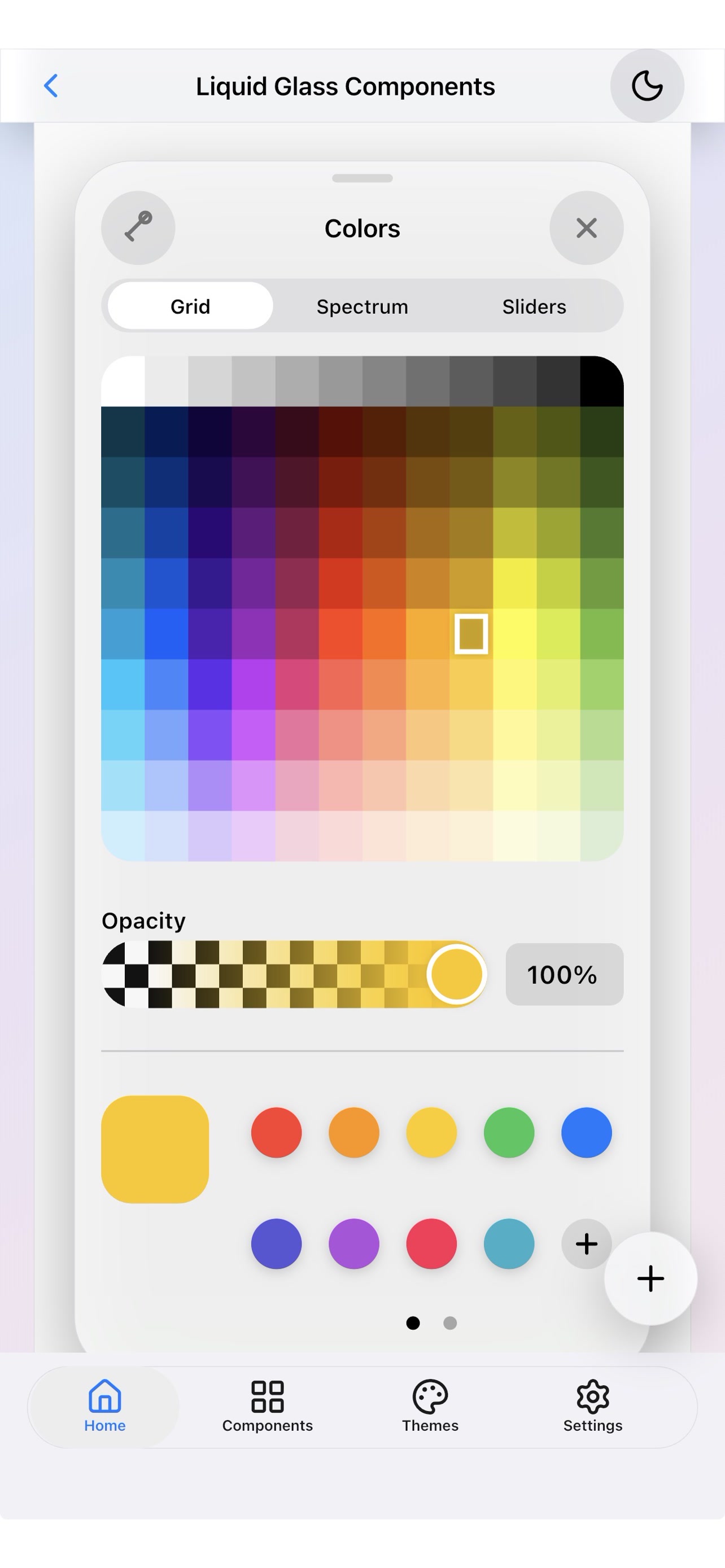
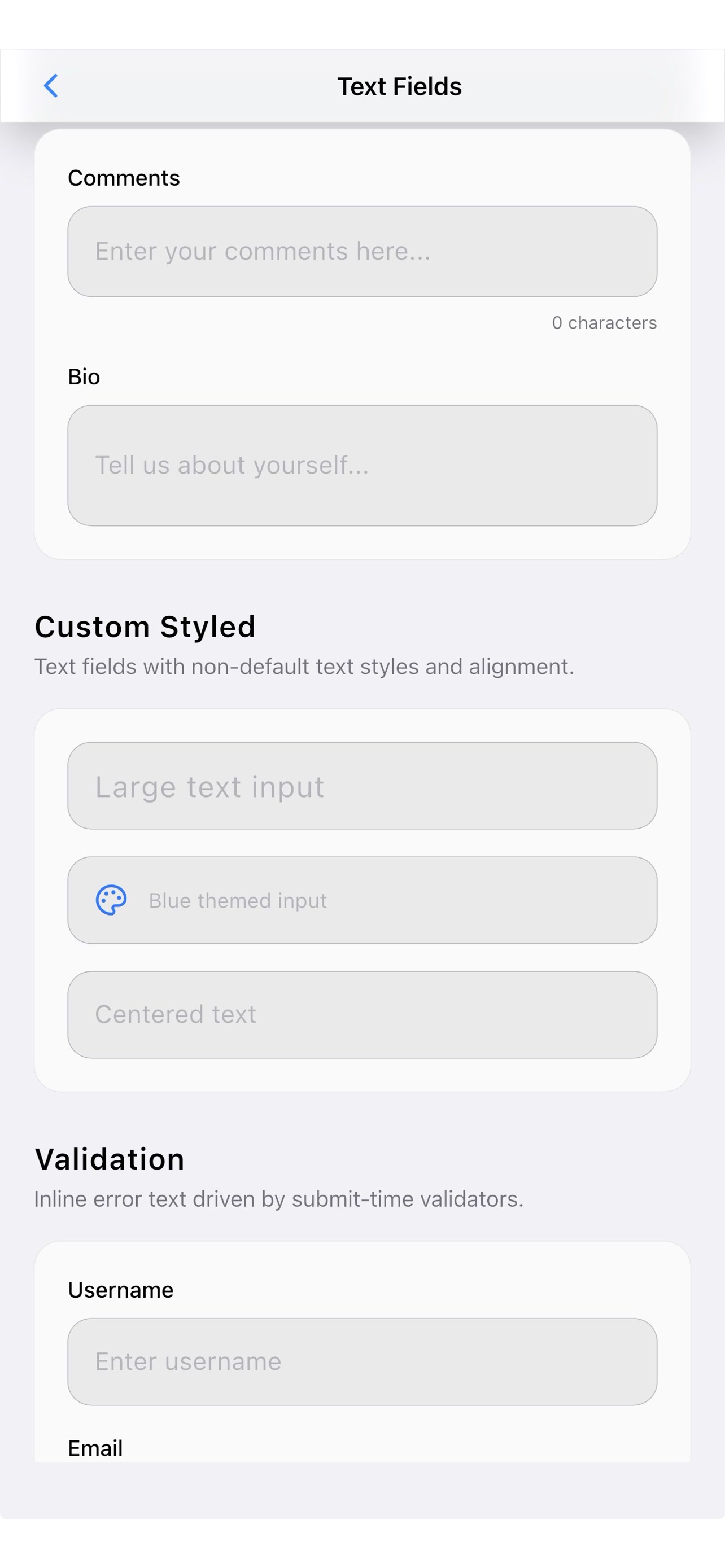
What's here
- Components — 76 widgets across 7 categories with live previews + copy-paste snippets. Buttons, toggles, sliders, steppers, sheets, alerts, sidebars, popovers, menus, status bars, notifications, calendars, charts, and more.
- Sample apps — 5 fully-working real-world demos (e-commerce, social, news, travel, wallet) showing how the primitives compose into shipping product.
- Foundation —
LiqGlassSurface,LiqMotion,LiqAppleTypography,LiqAppleColors— the primitives every component is built on.
Install
dependencies:
  liqkit_ui: ^0.4.0
  liqkit_ui_icons: ^0.4.0  # optional curated icon namespace
Quick start
import 'package:flutter/widgets.dart';
import 'package:liqkit_ui/liqkit_ui.dart';

void main() {
  WidgetsFlutterBinding.ensureInitialized();
  // Pre-warm the liquid-glass shader so the first surface paints
  // real glass on frame one (no flat-then-glass pop).
  LiqGlassSurface.precacheShader();
  runApp(const MyApp());
}

class MyApp extends StatelessWidget {
  const MyApp({super.key});

  @override
  Widget build(BuildContext context) {
    return WidgetsApp(
      title: 'My liqkit_ui app',
      color: const Color(0xFF0088FF),
      home: LiqScaffold(
        appBar: const LiqAppBar(title: Text('Hello, glass')),
        body: Center(
          child: LiqButton(label: 'Tap me', onPressed: () {}),
        ),
      ),
    );
  }
}